Field Command
A downloadable game for Windows
Command the army. Step onto the battlefield.
Field Command is an in-development sci-fi strategy game for Windows. Build a base, manage your army from above, then take direct control of a unit in first or third person. Play a free-for-all against computer opponents or host a match for friends online.
Two ways to wage war
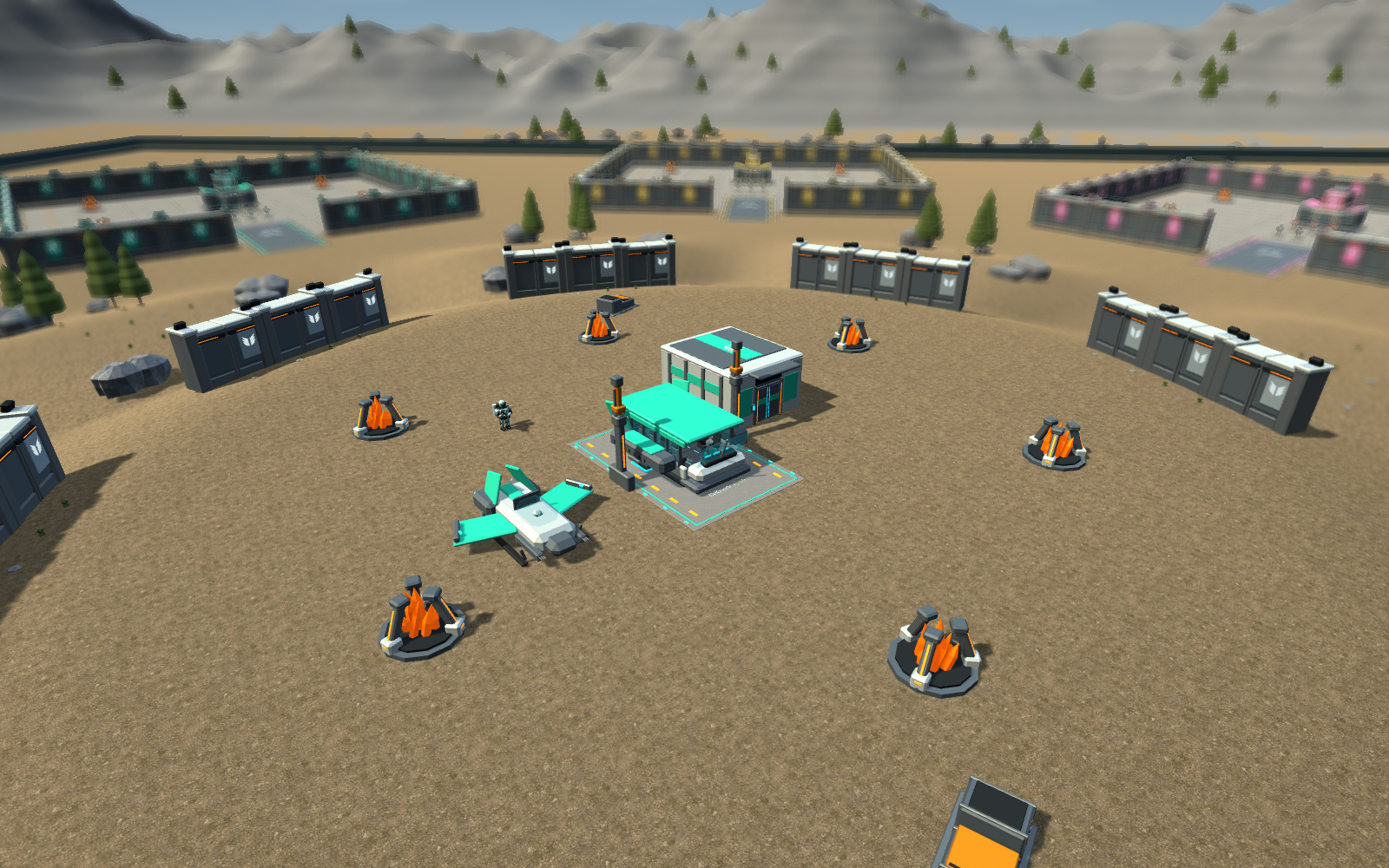
Humans harvest ore, construct outposts and field soldiers, medics, jetpack troops, transport shuttles and bombers. Train and upgrade your force, fortify a position, or lead the attack yourself.
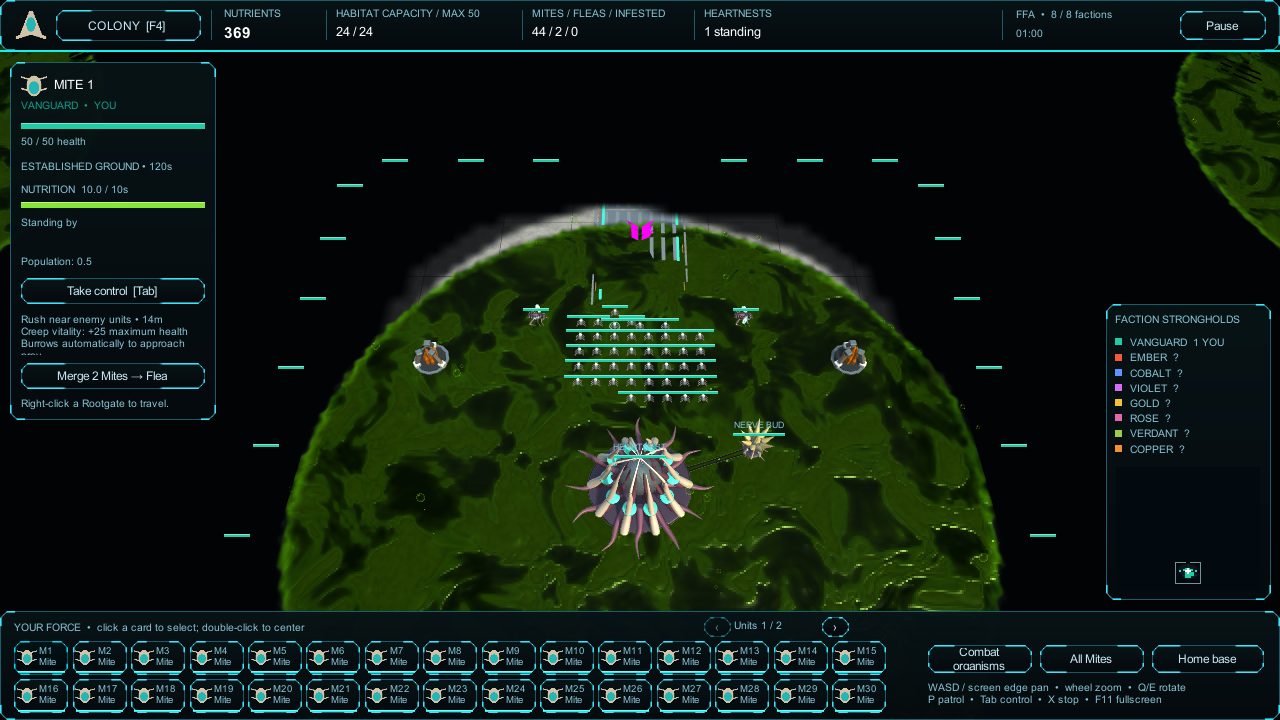
The Myr grow a living colony. Spread toxic ground from Heartnests and Nerve Buds, hatch burrowing Mites automatically, and merge pairs into flying Fleas that can infest enemy units.
- Up to eight factions: play solo against seven computers, or invite human players and let computers fill the remaining slots.
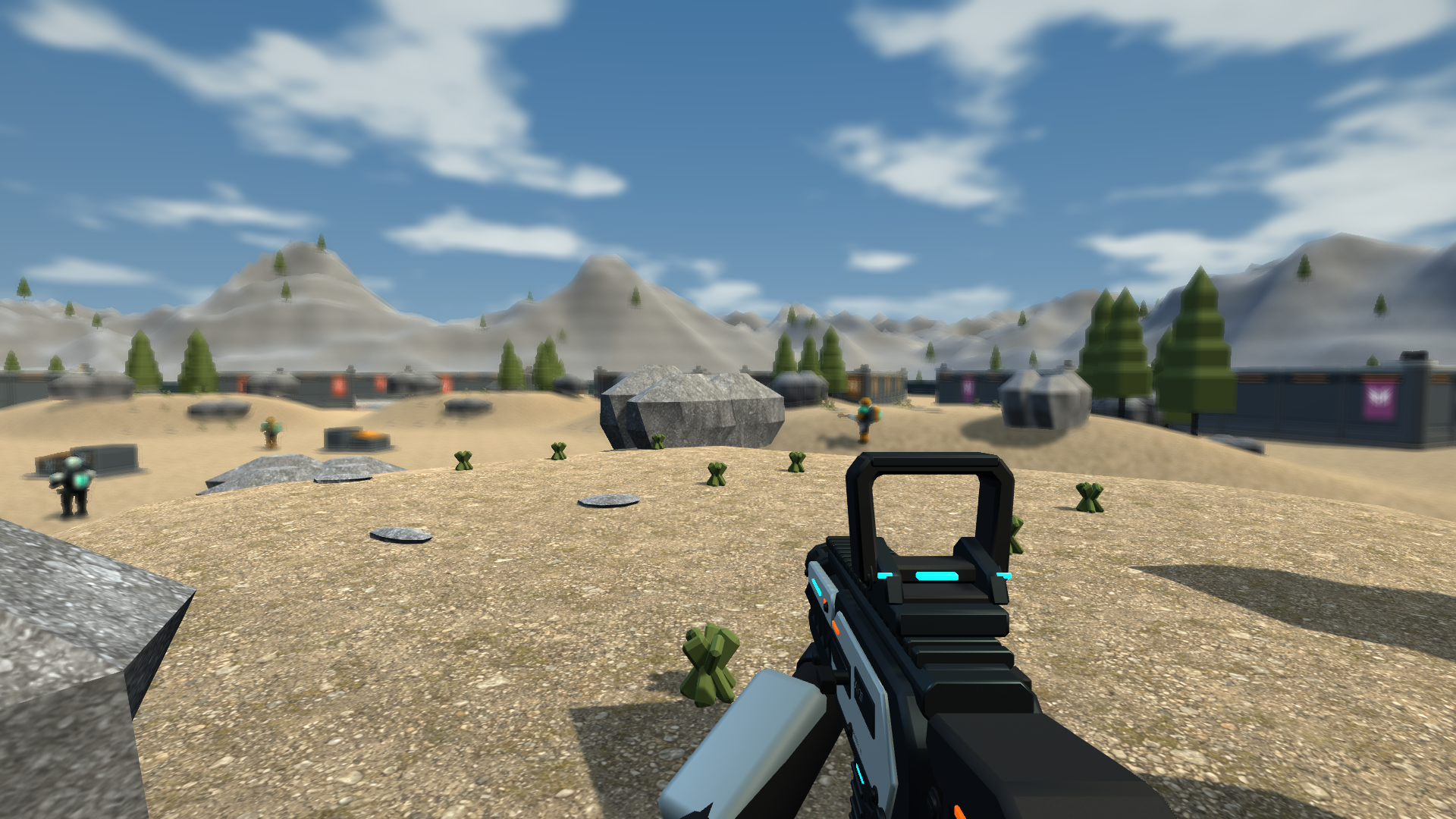
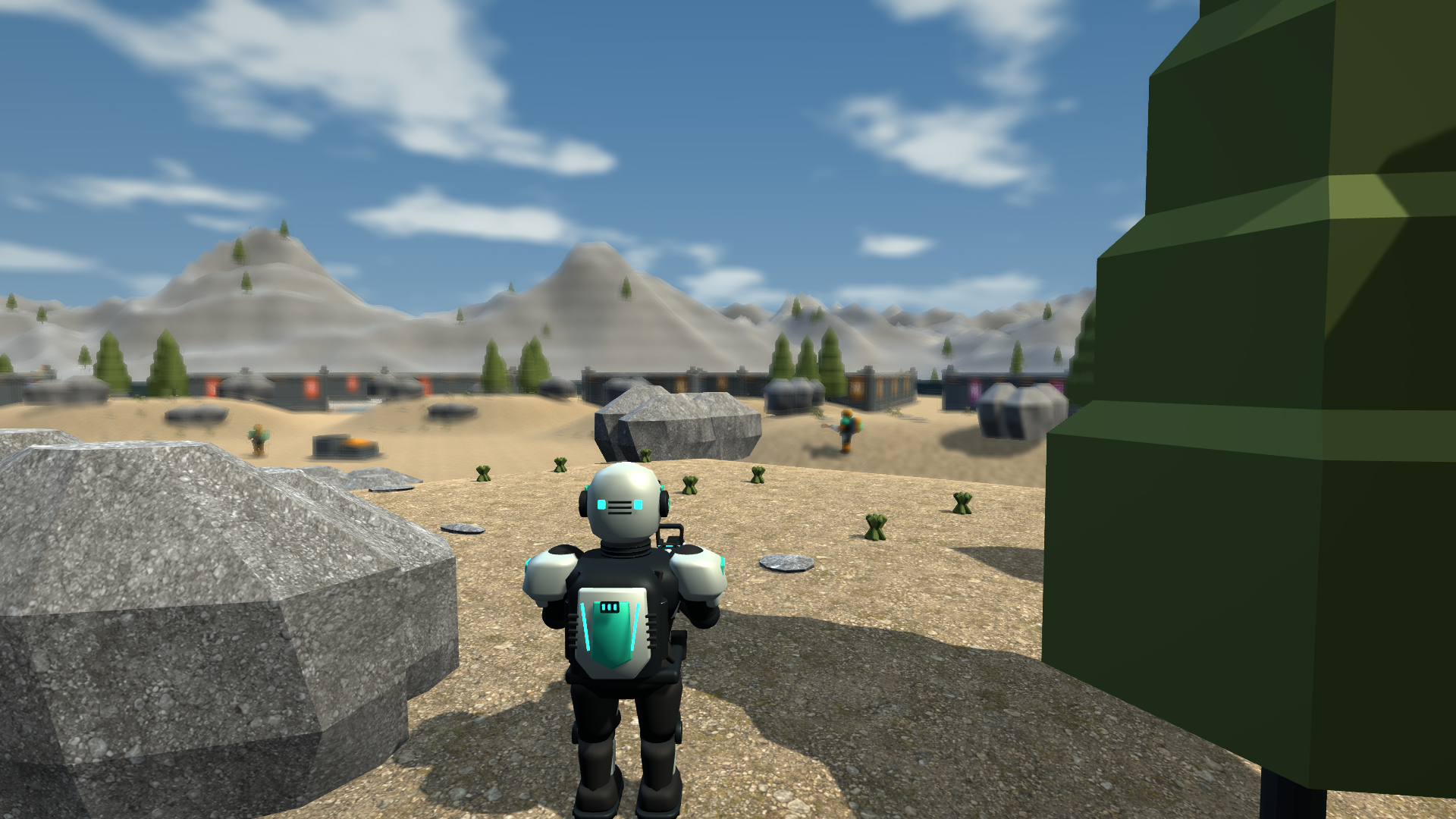
- Switch between top-down command and direct first- or third-person control.
- Expand your base, breach destructible walls and contest the central hill.
- Choose Human or Myr before each match. Computer factions choose randomly.
- Destroy an opponent's last command center or Heartnest to eliminate them. Be the last faction standing.
Install once, get future updates
For automatic updates, install the itch.io desktop app, open this page inside it, and install Field Command. Launch the game from your app library. Before an online session, let any available update finish so everyone has the same release.
The itch app checks for updates when it starts and periodically while running. A ZIP downloaded directly from the website does not update itself. If you have an older ZIP copy, install through the app once to switch to automatic updates.
Play together
Choose Play online to browse public games or host your own. For a private session, choose Private join code / home network, then Host internet match, and share its join code. Internet matches use Unity Relay, so friends can join from different home networks without port forwarding.
The host can start alone or wait for guests. Everyone must join before the round starts, and the host must stay connected. Public games appear while their hosts are waiting in a compatible, open lobby.
Quick controls
- RTS: left-click or drag to select; right-click to order. WASD or screen edges pan; the mouse wheel zooms.
- Tab: take control or return to RTS. V: switch first and third person.
- Soldiers: WASD moves, mouse aims, left-click fires, right-click aims down sights in first person, Space slides, E interacts.
- Patrol: select compatible ground units, press P, then right-click the far end of the route.
- Myr: select a completed Heartnest to build on active living ground. F4 opens the colony overview.
- F11: switch fullscreen. In-game controls and the included README cover the basics.
Help shape the playtest
This is an early, free playtest. Visuals, balance, computer strategy and multiplayer performance are still being developed. Windows 64-bit, a keyboard and mouse are required; online matches also need internet. There is no disk save/load menu yet.
Use the community board below for bugs, suggestions and finding people to play with. Tell us your faction, whether you were solo, hosting or joining, and what felt fun or frustrating. For problems, include your release version, what happened just before the issue, and your computer's basic specifications if known.
Audio credits
Edited recordings include The Free Firearm Sound Library by Ben Jaszczak, Brian Nelson, Kevin Heras and Matthew Nanney; Impact Sounds by Kenney; and Gun reload sounds by SpringySpringo, offered under CC0. Music and additional sound design were made for Field Command. Human radio voices are synthesized prototype cues.
Download
Install instructions
For automatic updates, install Field Command through the itch.io desktop app (https://itch.io/app), then launch it from your library. Let updates finish before playing online.
For a manual ZIP download, extract the entire archive into a new folder and open FieldCommand.exe. Keep FieldCommand_Data and the other files beside it. Manual copies do not update themselves. Windows 64-bit required. F11 switches fullscreen.